
How To Capture Every Near Me Search in Your Area
Somebody three suburbs over just typed your service plus near me. Google made a judgment call in half a second, and your business either made the shortlist or it did not.
Near me searches are some of the highest-intent traffic in local, because the person is ready to buy and letting Google pick the vendor. Winning them is not luck. It is architecture.
Here is the system I use to make one business surface across an entire service area, built on location pages that carry real geographic weight.
See What Your Competitors Are Writing on Their Profiles
A near me query has no city in it, so Google supplies the geography from the searcher’s location.
That means you are not ranking for one keyword. You are ranking for that keyword at every point on the map where a customer might stand.
Your homepage naturally covers the area around your physical location. Everywhere else in your service area, you need a page that gives Google a reason to show you.
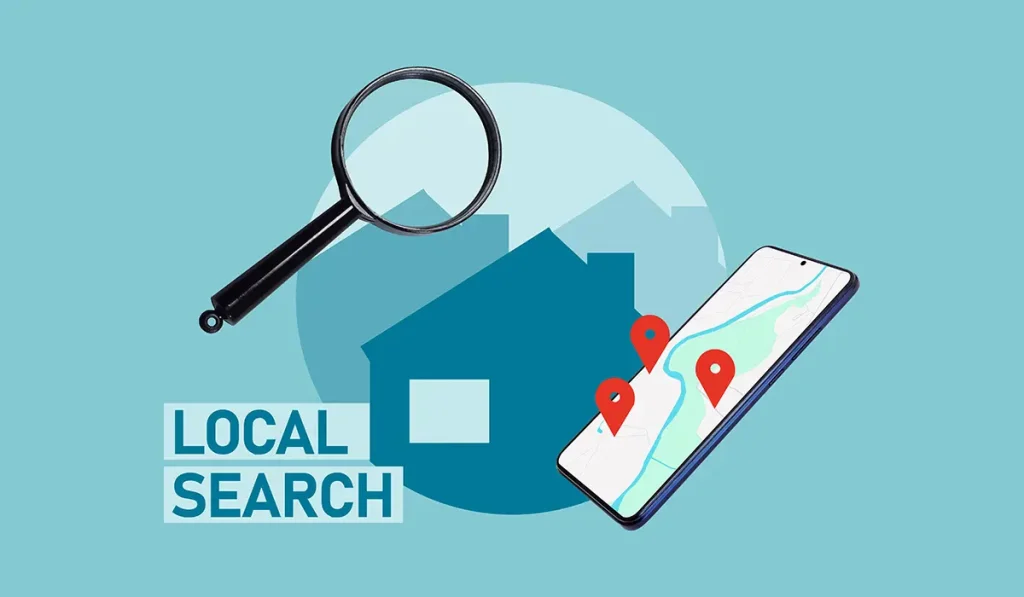
A near me search is one keyword with a thousand locations attached.
For every city or suburb you serve, build a dedicated page. Real ones. A location page that only swaps the city name into a template is wallpaper, and wallpaper does not rank for long even when it ranks at first.
Each page should describe the work you actually do in that area, in your own words, with enough local substance that a resident would nod along. Before writing, check what actually ranks for that city plus your service, because in plenty of niches the obvious keyword is not the primary one.
Match the phrasing the winners use, then write the better page
- The Near Me URL Structure
Most businesses bury their area pages under a service-areas folder. There is a sharper option: build the path around the near me phrase itself, so the URL reads as domain, then near-me, then the city plus keyword slug.
Large directories structure their local URLs around the near me pattern for a reason: the query phrase sits in the path and the title, and that alignment compounds.
It is a small edge on its own. Stacked with everything else on this page, it is the kind of edge that shows up in the rankings.
Audit any competitor's location page setup in minutes.
Here is the part almost everyone skips, and it is the part that makes these pages actually work. Google already understands every city as an entity: its knowledge panel, its official sites, its landmarks, its common questions.
Your job is to mirror that understanding on your page.
- Add a short about-the-area section referencing what the knowledge panel highlights
- Link out to the city’s official site and one or two genuinely authoritative local resources
- Answer the questions people actually ask about the area, pulled from the People Also Ask results
- Mention recognizable local landmarks naturally where they fit the service story
None of this is stuffing. You are giving Google verifiable geographic anchors that connect your business to the place, in exactly the vocabulary Google already trusts.
- Localizing Your Images
Generic stock photos say nothing about where you work. Real photos taken in the area, named and tagged properly, quietly reinforce every other signal on the page.
Have your crew grab shots on jobs around the neighborhood, near recognizable spots when natural. Your own images, your own locations. Skip pulling images from search results; use what you own.
Finish each location page with a driving directions block from that area to your business, and embed the map. The page now references the route, the map confirms it, and the whole thing ties back to your profile.
This is the same family of signals I covered in the proximity playbook, working from the website side instead of the profile side.
Do it for every target area, one honest page at a time, and rescan your rankings monthly to watch the near me terms flip.
Track every near me keyword across your whole service area
- GMB Crush Takeaways
- Near me queries inherit the searcher’s location, so you need coverage, not one page
- Build real location pages with substance, never city-swapped templates
- Consider the near-me URL structure for area pages
- Mirror the city’s knowledge panel: official links, PAA answers, landmarks
- Close every page with directions and an embedded map, then rescan monthly